
NEW: AudioEye launches Agentic Audits and SDK MCP
Read moreAUDIOEYE SDK MCP
Accessible code at the speed of AI
AudioEye’s SDK MCP connects your AI coding agents to AudioEye Intelligence, a proprietary accessibility dataset built from over one million human accessibility reviews. Your team now ships accessible, compliant code faster.
Find more issues with the industry's best detection
The AudioEye SDK MCP utilizes AudioEye Intelligence to find more accessibility issues than anyone else. Every fix in our dataset traces back to one AudioEye's experts confirmed on a real site, so your agent applies what’s already been proven.
2.5x
more issues detected than any other tool*
100K+
sites where those issues were found and fixed
1M+
human reviews behind the fixes your agent applies
How AudioEye SDK MCP works
AudioEye’s SDK MCP finds the issue, writes the fix, and can confirm it works. Your team stops hand-writing accessibility code and starts approving it, all inside the tools they already work in, at the speed of everything else they ship.
STEP 1
Connect
Install the MCP once with a single command. It registers itself with Claude Code, Codex, Cursor, and every other MCP host on your machine, with no config file to maintain.
STEP 2
Scan
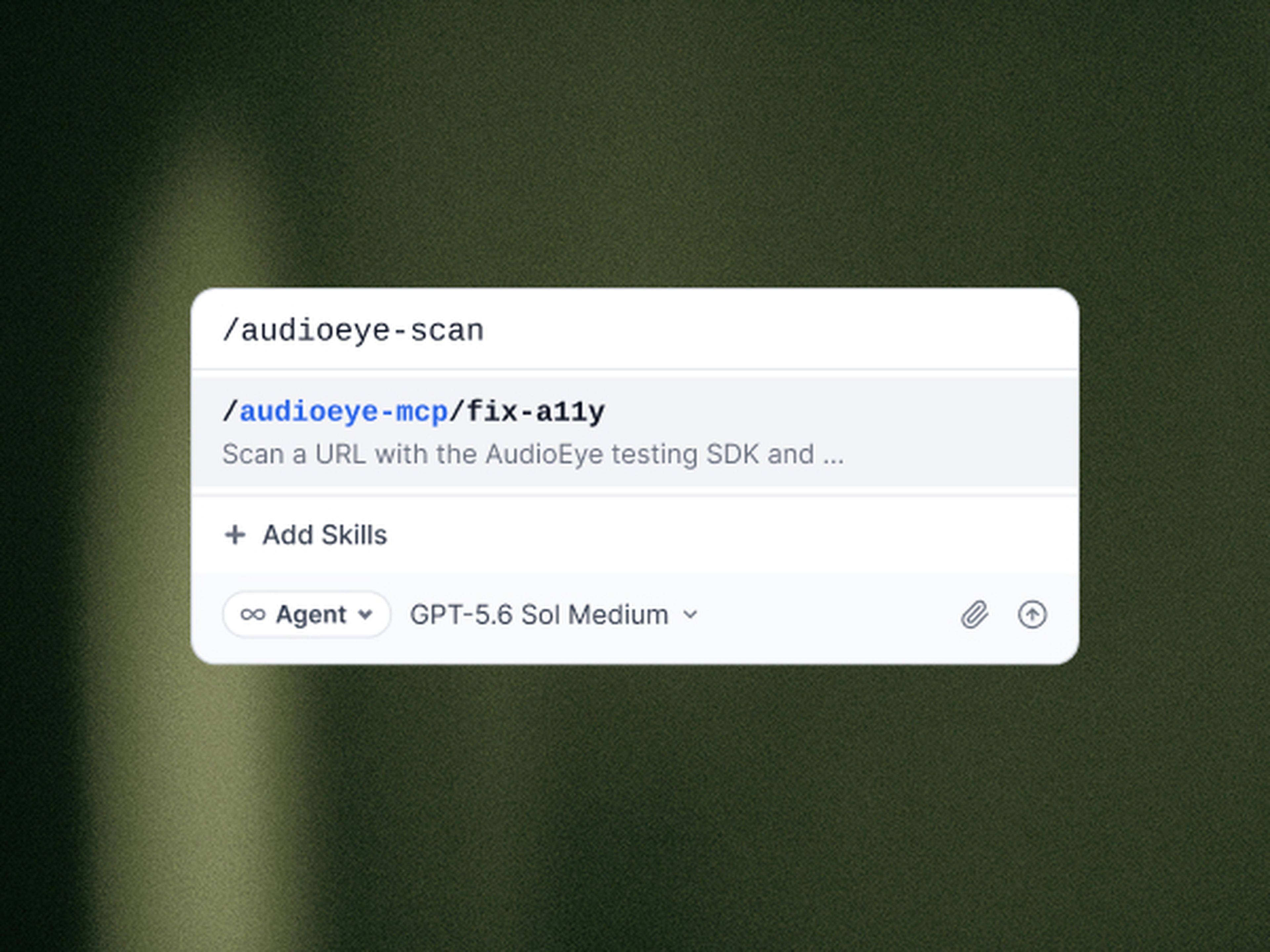
The agent checks the code against AudioEye’s accessibility data set, built from real fix work no other solution has.
STEP 3
Fix
The agent suggests the fix into the source code from AudioEye’s proven rules rather than applied at runtime.
STEP 4
Verify
Developers can rescan the code again to confirm the issue is gone, meaning your developer reviews a fix that already works.
Connect your agent to AudioEye Intelligence
REPORTS
Share results in the format your team needs
Along with fixing issues in your code, the AudioEye SDK MCP can export what it finds so your team can review, prioritize and track the work.
HTML Output
A visual report lists each issue with the WCAG criterion it violates, where it occurred and how to fix it, so developers can focus on the most important work first.
JSON output
A structured file of every issue converts to formats like .csv or .xlsx, so you can share results or upload them into project management tools.
Integrations
Bring accessibility into the rest of your workflow
Your agent fixes issues where your developers write code, and AudioEye connects those results to the tools your teams use to plan, build and publish.
Project management
Upload issues into tools like Jira or Asana to create a trackable, assignable list of what still needs attention.
CMS integration
Test components in your local environment before they reach your CMS library, so accessibility issues are caught before content goes live.
